
Ovation 3.0 is here!
Ovation is now available for Mac! Plus a new Cafeteria venue, 2 new avatars, 80+ new voices, and more.

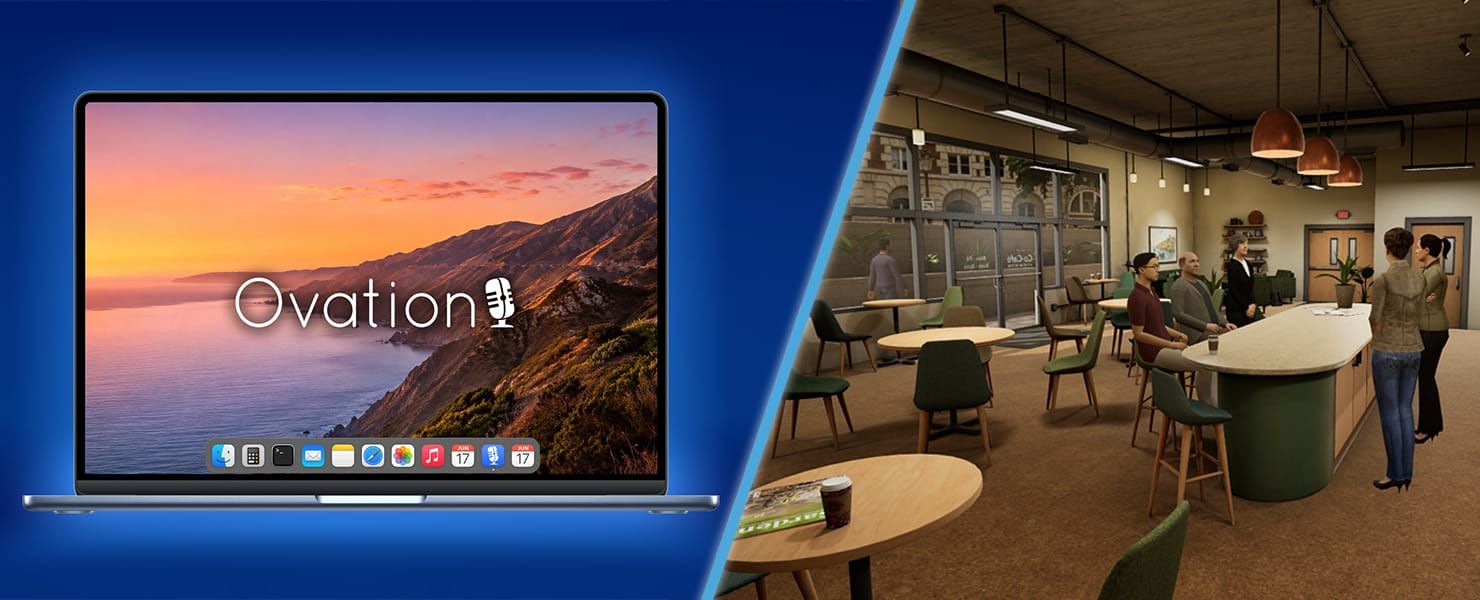
Ovation is now available on Mac, alongside a new Cafeteria venue, 80+ new avatar voices, 2 new avatars, more speaking locations within venues, higher character limits for detailed prompting, and improved transcription.
Communication practice is more accessible and more powerful with Ovation 3.0.
Ovation for Mac
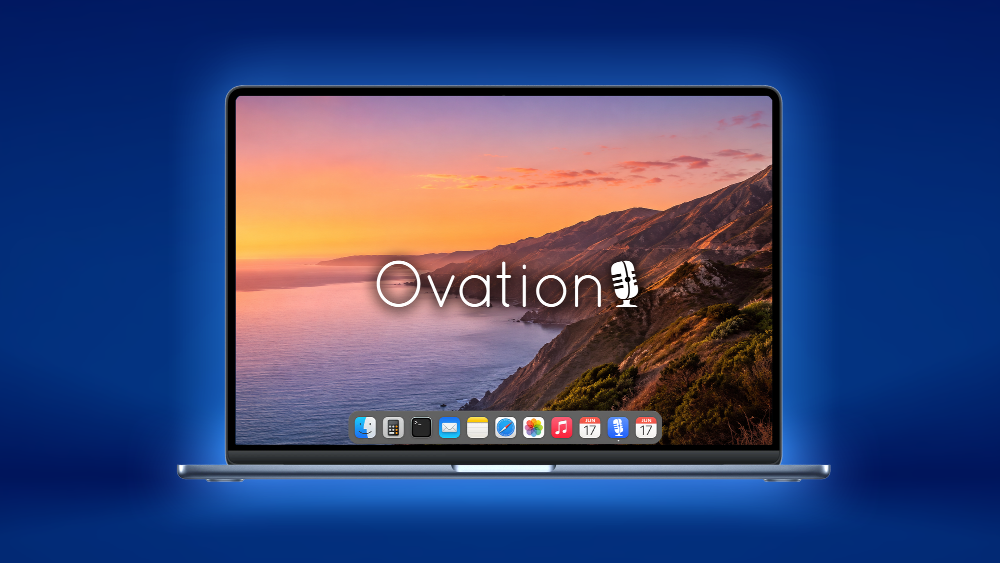
Ovation is now available for macOS, with support for both Apple silicon and Intel-based Macs.
Mac users can download and run Ovation directly on their devices, giving schools, training programs, and individual users greater flexibility in mixed-device environments.
New Venue: Cafeteria

Practice casual, professional, and social conversations in the new Cafeteria.
The Cafeteria is available for:
- One-on-One Conversation
- Group Conversation
- Interview
- Panel Interview
- Interview Applicant
- First Date
This new venue gives conversations a more natural, everyday feel, whether you're preparing for networking, interviews, workplace discussions, social confidence, or classroom assignments.
80+ New Voices and Accents
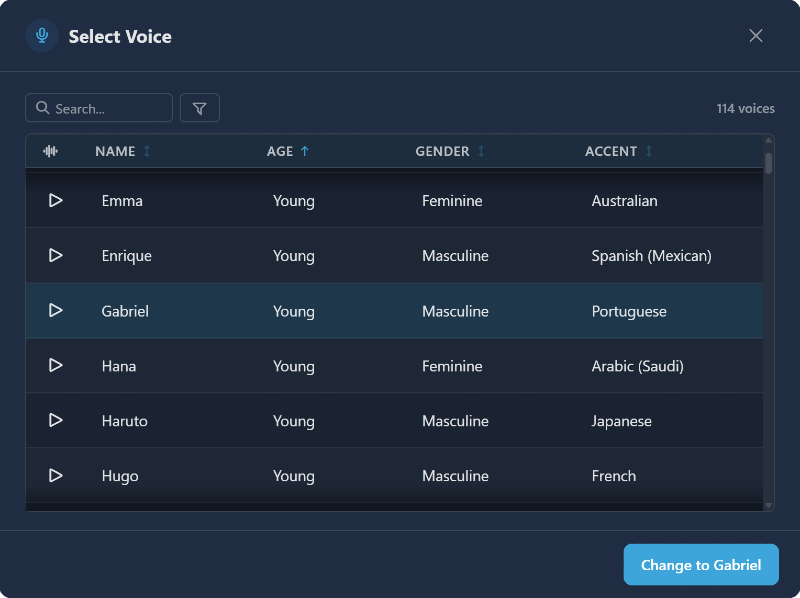
We've added over 80 new AI voices with distinct accents from around the globe.
Accents include:
Arabic, Australian, British, Dutch, French, German, Hindi, Indian, Irish, Italian, Japanese, Korean, Mandarin, Polish, Portuguese, Russian, Scottish, Spanish: LATAM, Mexican, Spain, Swedish, Turkish, and Vietnamese
These voices make it easier to create sessions that reflect a wider range of communication styles, speaking patterns, and real-world contexts.
2 New Avatars

We're introducing two new younger avatars, adding more variety to the people you can practice with.
These new avatars are especially useful for scenarios that benefit from a peer, student, early-career, or social setting.
Multiple Venue Locations
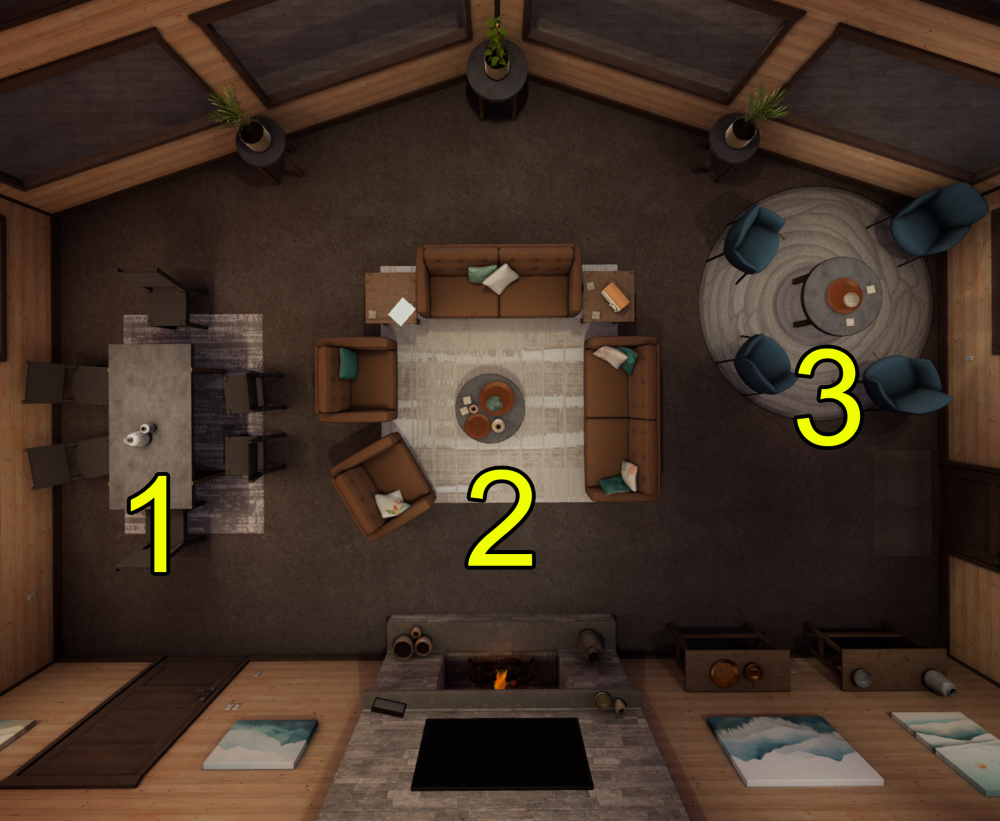
Some venues now include multiple speaking locations.
For example, in the Lodge, you can now choose to sit at the table or in the chair-circle area. These location options make sessions feel more varied and better suited to different types of conversations.
Higher Character Limits for Prompting
We've doubled character limits across several customization fields, giving creators more room to describe exactly what they want from a session.
Personas, Scenario Modifiers, and Factors can now support longer, more detailed instructions. This makes it easier to create richer characters, more specific role-play conditions, and more nuanced evaluation criteria.
More Accurate Transcripts
We've upgraded our speech-to-text provider to ElevenLabs, significantly improving transcript accuracy across all supported languages.
More accurate transcripts make post-session review, AI feedback, and performance tracking more useful for learners, instructors, and coaches.
Import Job Descriptions to Interview Scenarios
The Interview, Panel Interview, and Interview Applicant scenarios can now include a job description during setup.
This gives the AI more context about the role, so questions and responses can better match the specific position being practiced.
Coming Soon: Ovation Web
We're working toward a browser-based version of Ovation.
This is a major step toward making Ovation easier to access across more devices and more everyday situations. Instead of needing to download and install desktop or VR applications, many of Ovation's benefits will be available directly through a web browser on any device, including smartphones.
VR and desktop will continue to offer powerful ways to practice, but bringing Ovation to the browser will make realistic communication training more flexible, more accessible, and easier to use whenever practice is needed.
Coming Soon: Attach Docs to Assignments
For organization subscribers, we're working on a new Assignment feature that will allow instructors and training leaders to attach documents directly to an assignment.
While Scenario Modifiers are great for adding short instructions, tone, difficulty, or role-play details, document attachments will allow Ovation to use much more context during a session.
For example, an instructor could attach a textbook chapter and ask students to practice explaining, applying, or defending what they learned.
The goal is to make assignments more specific, more realistic, and more closely aligned with the exact material learners are expected to understand.